My daily report used to take me around 45 minutes.
With VOX Field, the app I built, reviewing and finishing it takes me about two.
The day comes at you from every direction, and at the end of it you still have to document what happened.
I’ve already been talking about the job throughout the day. Thirty seconds here, a minute there, while the details are in front of me.
That part matters. I’m not waiting until the end of the day to describe everything that happened.
The report is being built from the notes I made along the way.
And it’s one I’m proud to put my name on.
That’s the workflow I wanted to show here
You see it, you say it
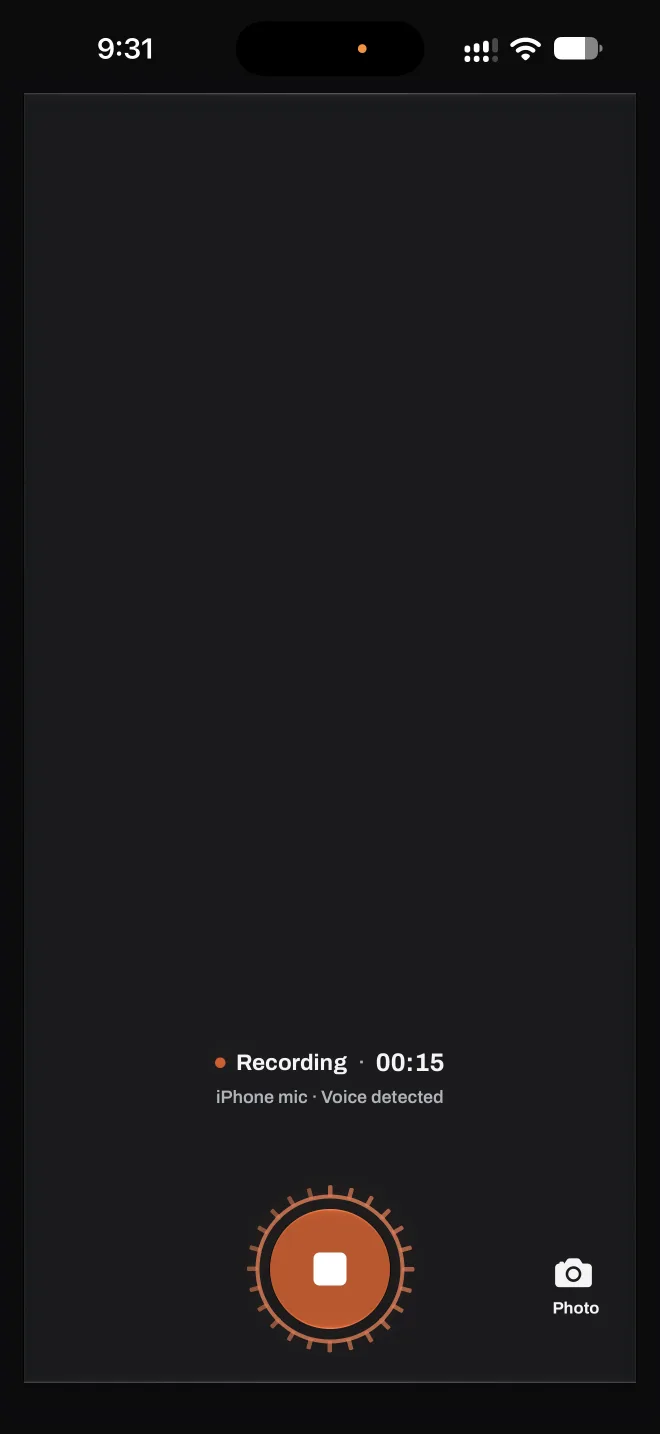
You open VOX Field, hit the recording button, and talk about what you’re seeing. Which subcontractors are there, where they’re working, a delivery that showed up, a delay, an inspection, or something that needs another look.
You don’t have to pick a category before you say it.
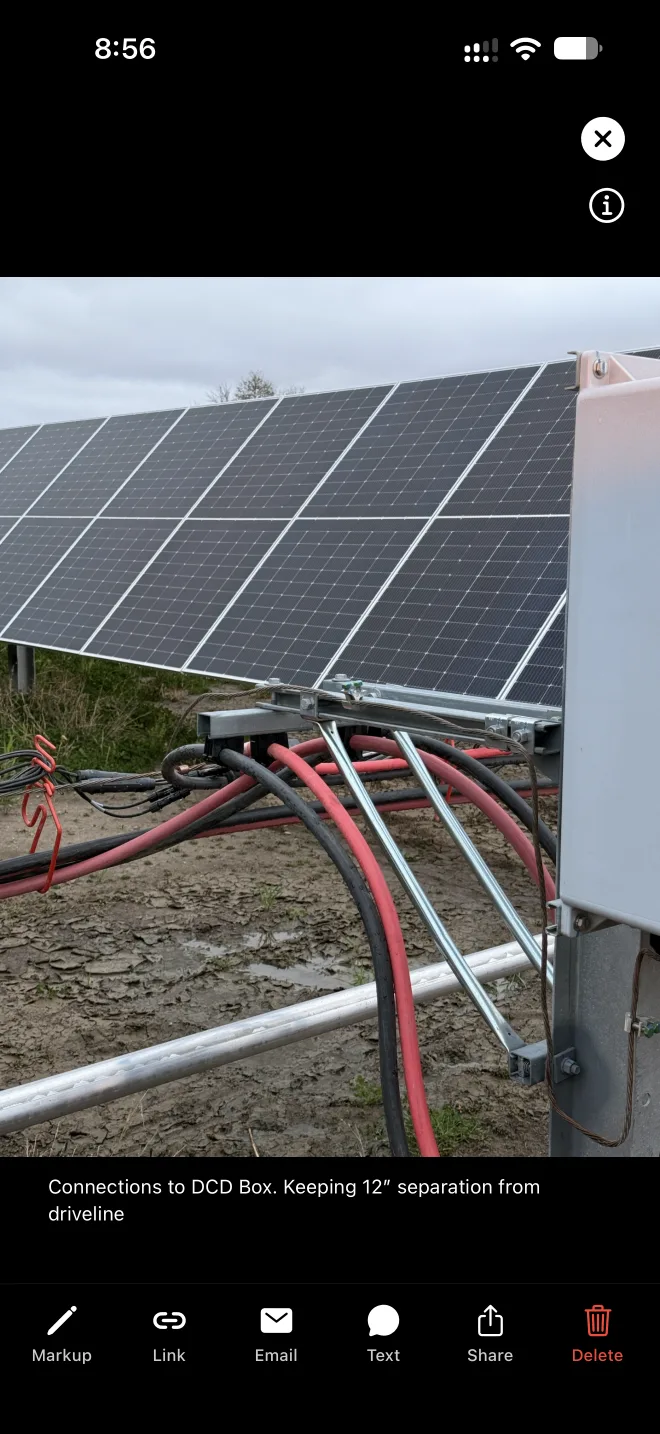
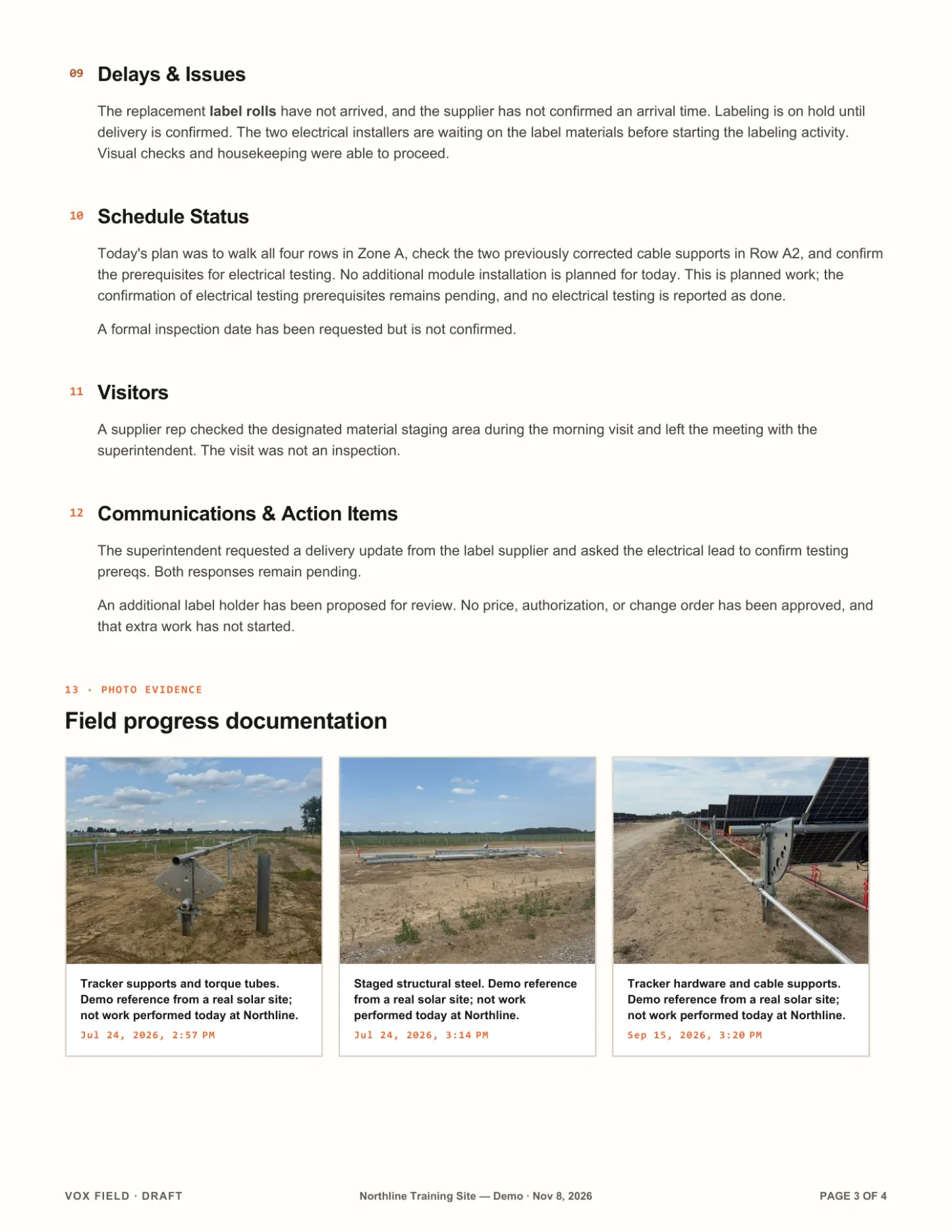
If a photo helps explain it, you take the picture while you’re talking. The caption comes from what you were saying when you took it, and you can mark the spot you want somebody to look at.
Then you get back to what you were doing.
The note becomes part of the construction daily report
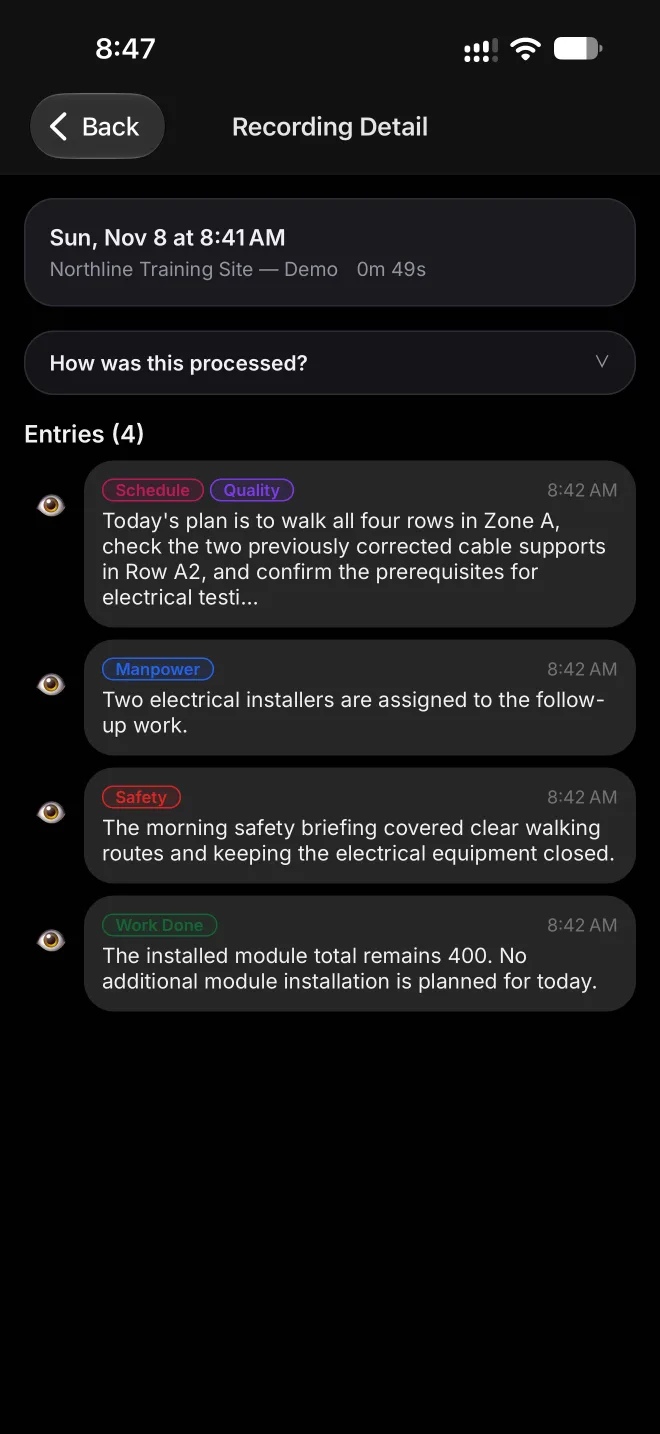
Once the recording uploads, VOX Field transcribes it and sorts what you said into entries for the report.
The screens on this page show one recording becoming separate entries. Schedule, manpower, safety, work done. One note can cover more than one part of the job without you stopping to organize it first.
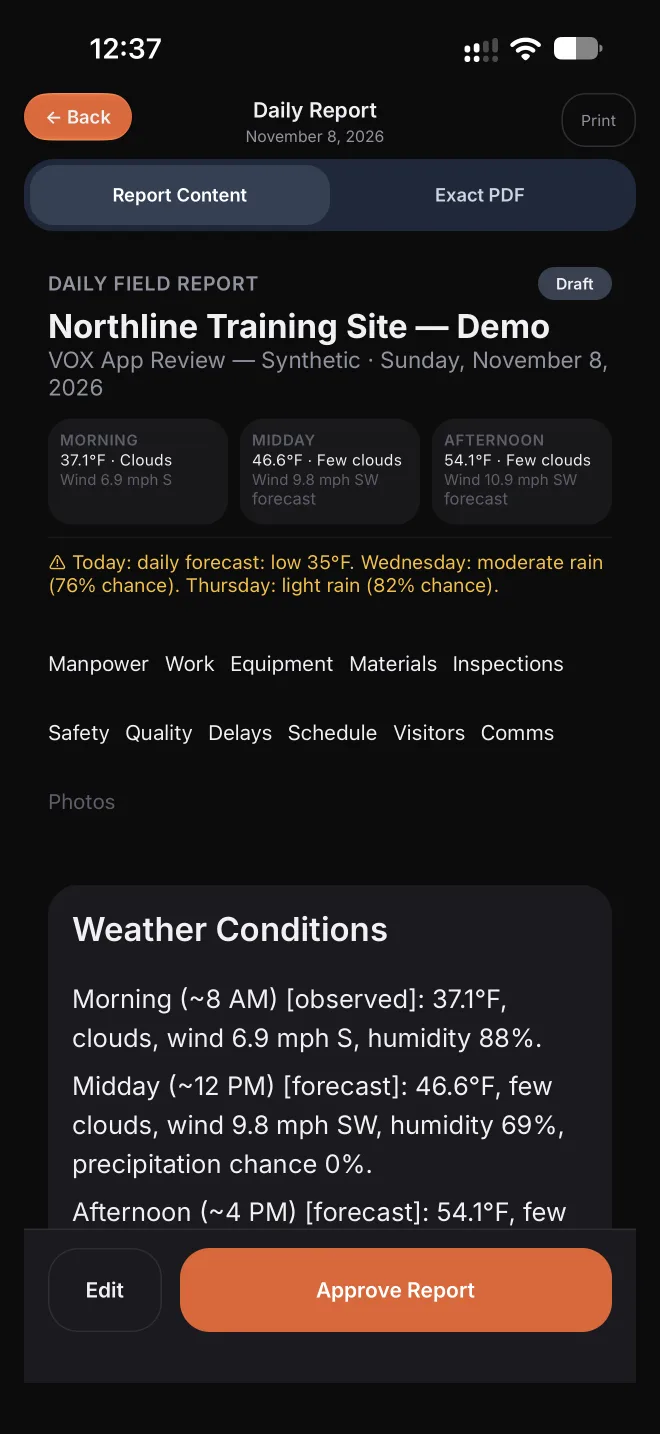
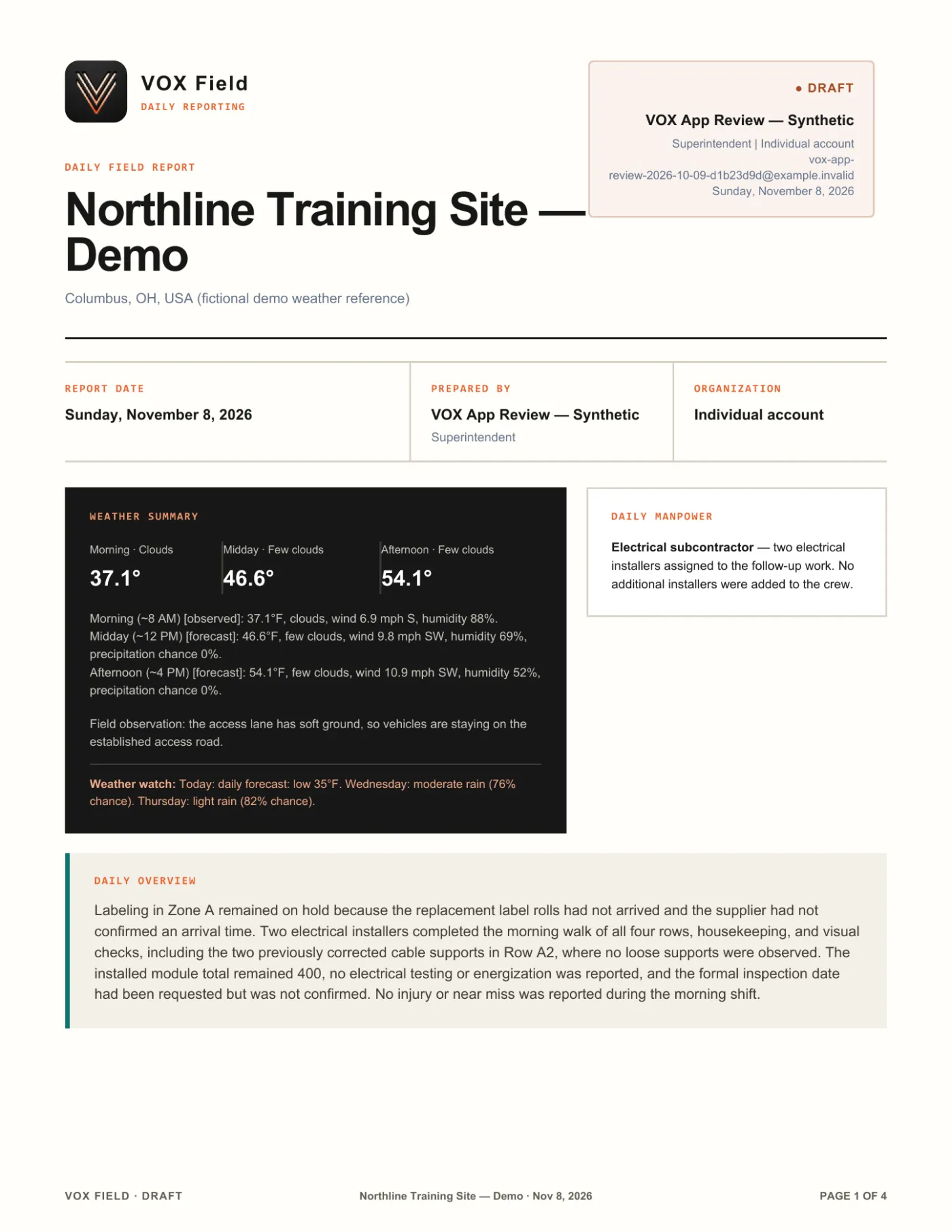
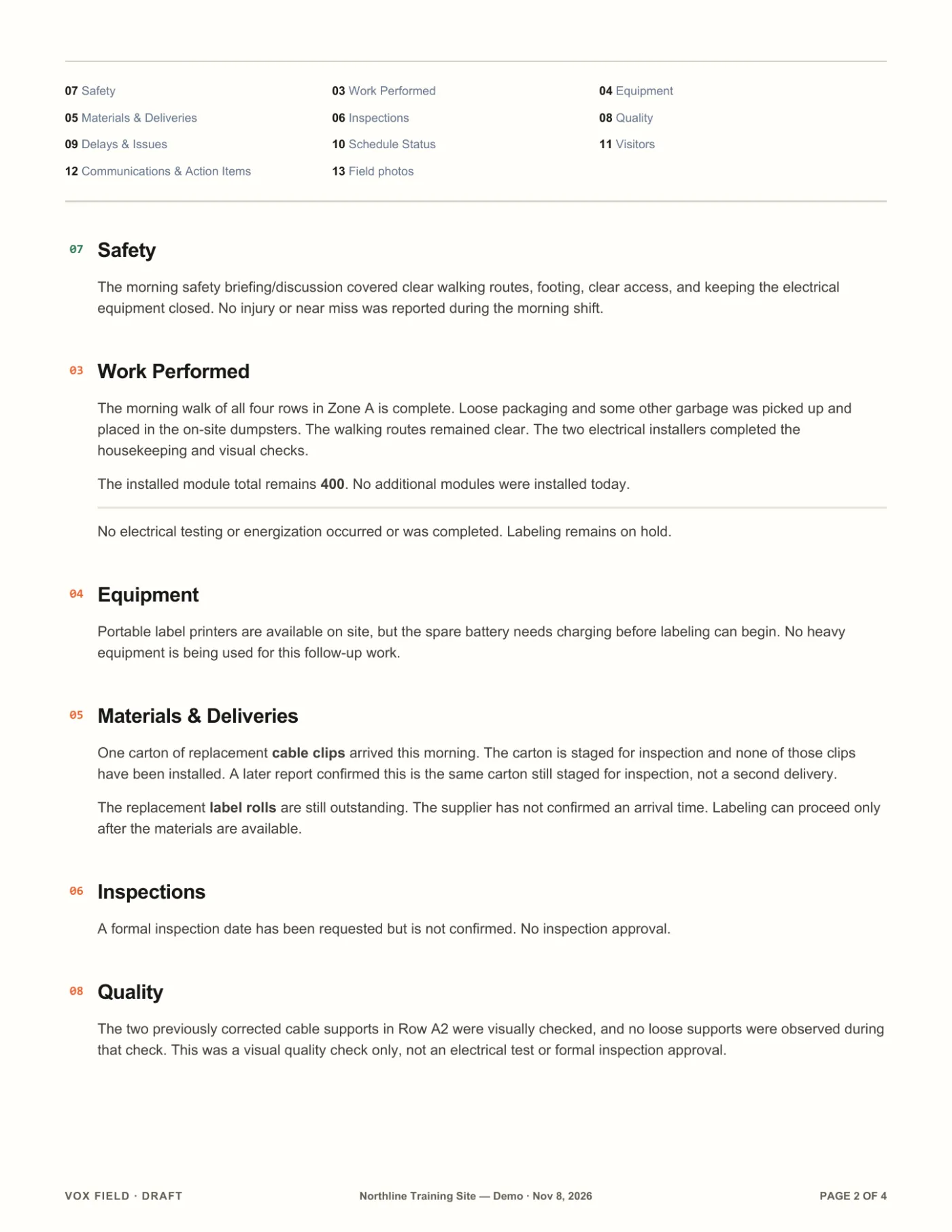
Whether you call it a daily report or a daily log, it has the sections a superintendent, a foreman or a construction manager expects. Weather conditions, manpower, work performed, deliveries, inspections, safety, delays.
The report builds as those notes come in through the day. The photos stay with the entries they belong to, and the jobsite weather comes from the project address.
This walkthrough uses a demo project. It’s there to show what the app does, without putting somebody else’s project record on the website.
You still read it before it leaves
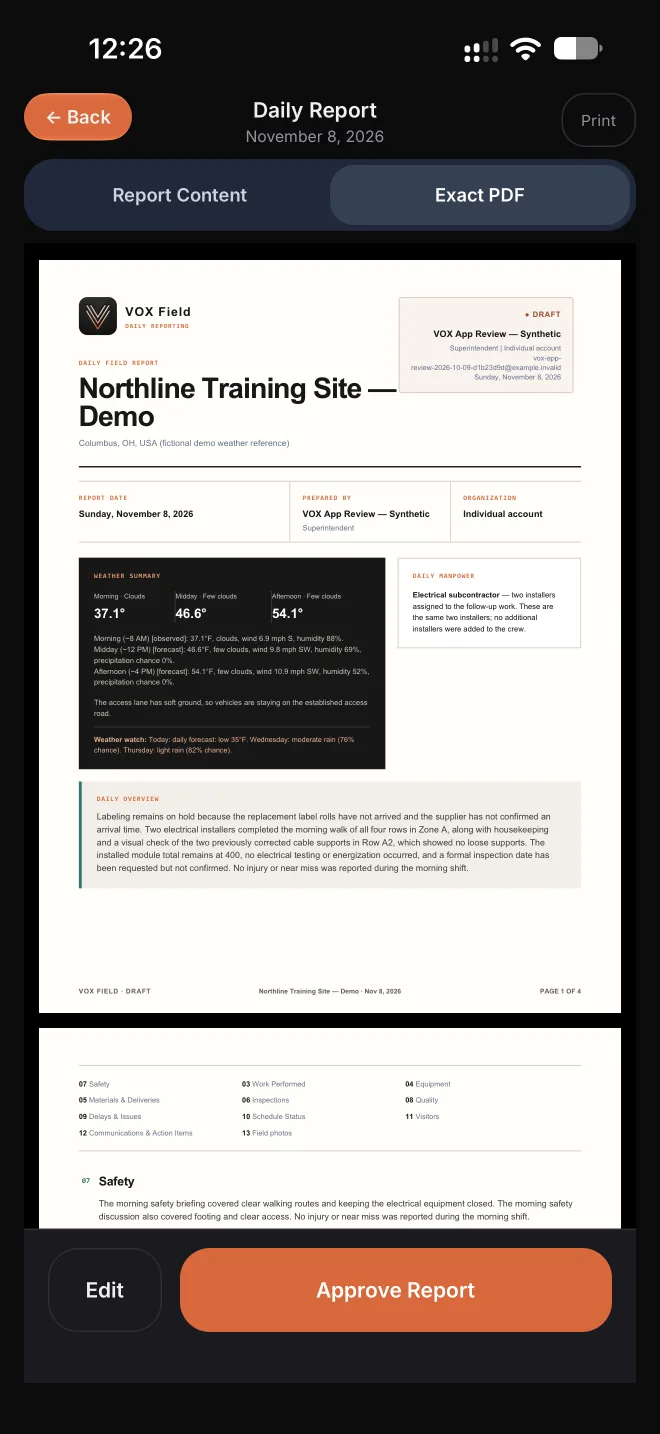
At the end of the day, you open the draft and review it.
You can fix a name, change a sentence, or correct anything that doesn’t say what you meant. When you’re happy with it, you approve it and it goes out as a PDF to the people on that project’s list.
Nothing goes out before you approve it.
The point for me is having the information already there when I sit down to review it. I’m checking the day I captured instead of trying to rebuild the day from memory.
My project manager shows mine to the other project managers. “Look what I get from Rick.”
What happens when there’s no signal?
You can still record your notes. VOX Field saves them on the phone and uploads them when service comes back.
The recording still has to upload and be processed before what’s in it can go into the draft.
So if you recorded in a dead zone, you’ll want to let those notes finish uploading and check the draft before you approve it.
You can capture a note without service. Turning it into the report takes a connection.
The report stays useful after it’s sent
Sometimes the question comes back weeks later. Or there’s a dispute, and somebody needs to know what was said and when.
“When did we first talk about that?”
“What did the note actually say?”
“Which day was that photo from?”
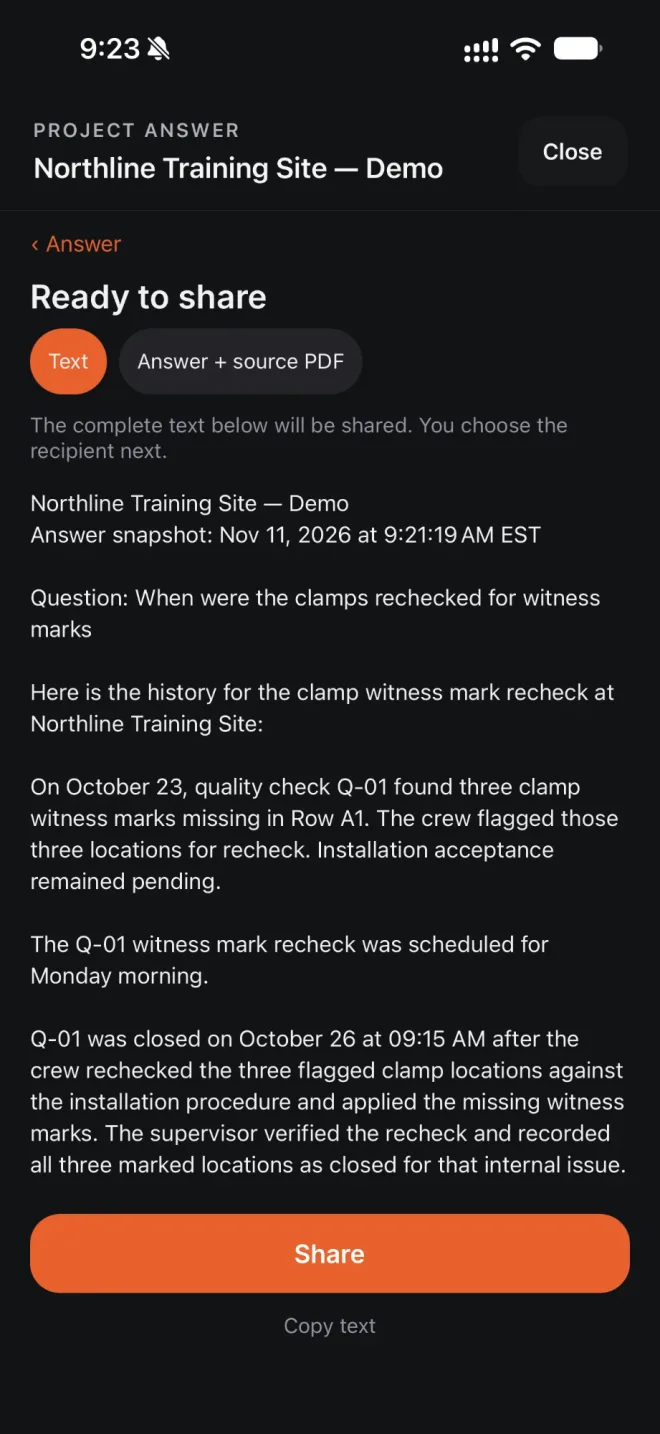
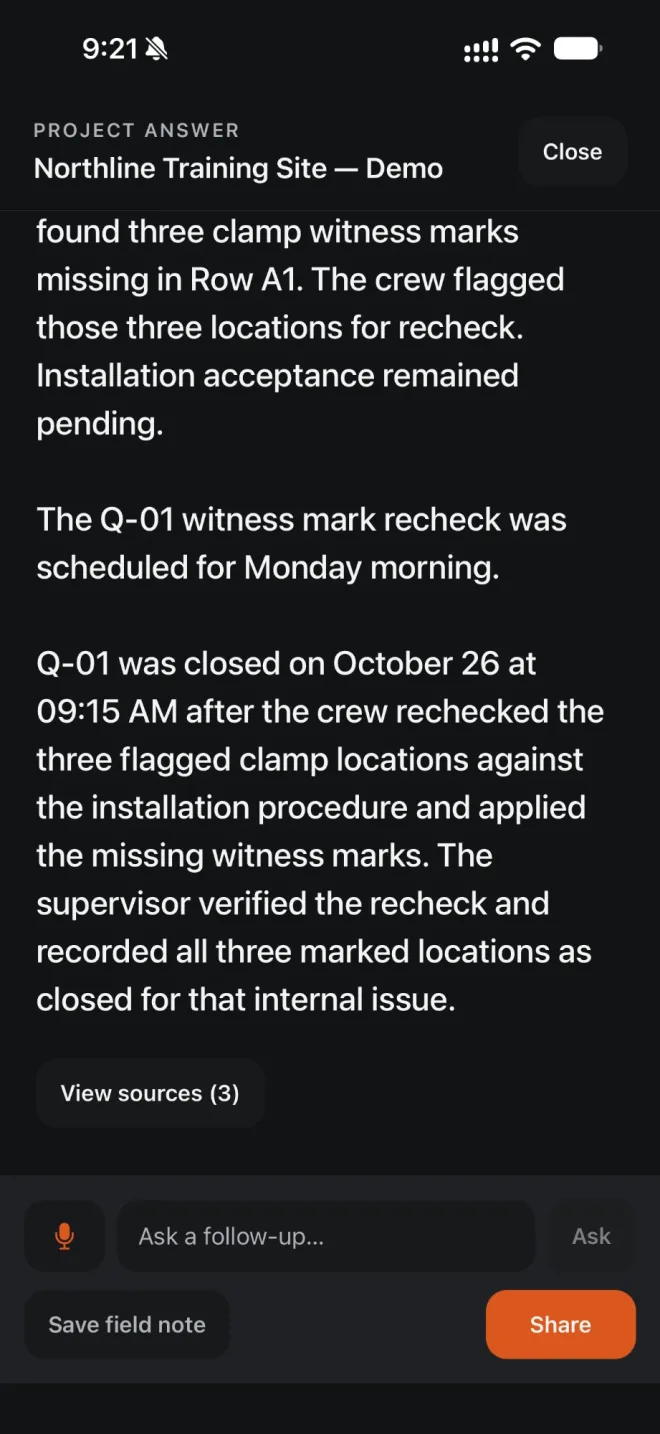
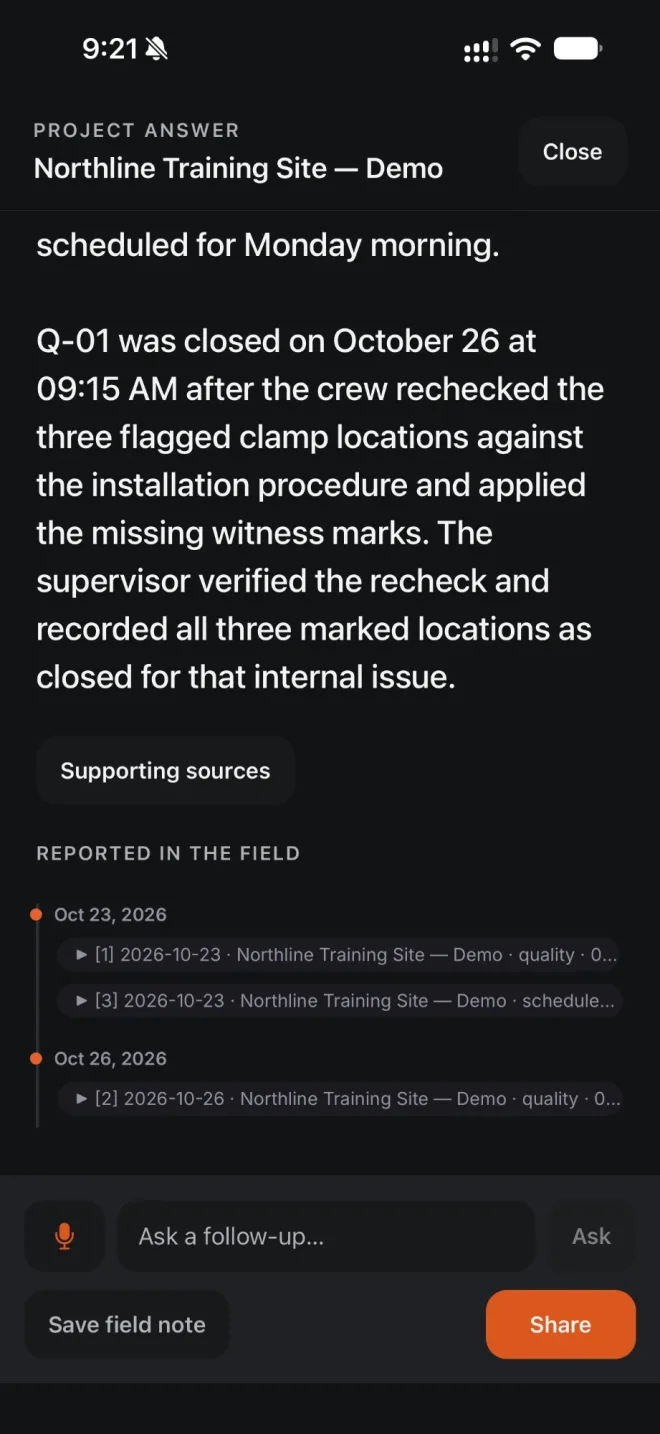
You can ask VOX Field a question about the project and get an answer from its records, with the sources. Open a source and it takes you back to the recording and its transcript.
That’s what I mean by field intelligence. What people captured on the job is still there when somebody needs it again.
The office can work from the record too. With the company web portal, which is separate, people with access can read the project’s reports and ask questions about its records in the browser.
Where things stand with the app
VOX Field came from a reporting problem I had myself. Now I talk about the job through the day, and the draft is there when I sit down to review it.
The screens on this page are from the working app.
It’s coming soon to the App Store for iPhone. Android is next.
If this looks useful for your work, you can join the waitlist and I’ll let you know when it’s available. The pricing page has what it costs for one person and for a company.
And if you’d rather start with a blank construction daily report template, I’ve put one up next to this walkthrough. You can use it without signing up for anything.